Detection training is mostly a data-preparation exercise. The model will train on whatever you give it; whether it works depends on conventions that fail quietly rather than loudly.
Layout and labels
The expected structure is images and labels in sibling directories whose paths differ only by the images and labels segment — the loader derives each label path from its image path by that substitution, which is why renaming one directory breaks training with an unhelpful error.
Each label file carries one line per object: a zero-based class index and four numbers for the box, centre-based and normalised to 0–1 against that image's own dimensions. Images with no objects get an empty file, which is a valid and useful negative example.
Our YOLO format post covers the format in full, including the segmentation and pose variants. The single most common conversion bug is worth repeating here: normalising against one resolution when the dataset contains mixed resolutions.
dataset/
  images/train/0001.jpg      labels/train/0001.txt
  images/val/0042.jpg        labels/val/0042.txt

# data.yaml
path: /abs/path/to/dataset
train: images/train
val: images/val
names:
  0: person
  1: forklift
  2: pallet

# labels/train/0001.txt  -  class  cx  cy  w  h   (normalised 0-1)
1 0.481250 0.573958 0.112500 0.187500The failures that do not error
Detection data has a characteristic set of silent defects. Each of these trains happily and produces a worse model, so they are worth checking deliberately.
- Missing annotations. An unlabelled object in a training image is taught to the model as background. This is the most damaging defect possible in a detection set and it is invisible in summary statistics — the only way to find it is to look at images with their boxes drawn on.
- Wrong box convention. Corner-based instead of centre-based, or absolute instead of normalised — see the diagram above.
- Class index drift. A mismatch between your label files' indices and the order of
namesin the YAML. Nothing validates this, and the symptom is a model that confidently confuses two classes. - Train/val leakage. Near-duplicate frames split across both sets — very common when images come from video. Validation accuracy looks excellent and deployment does not.
- EXIF rotation. Your reader applies the orientation flag and the annotation tool did not, or vice versa. Boxes are rotated relative to the image.

How much data per class
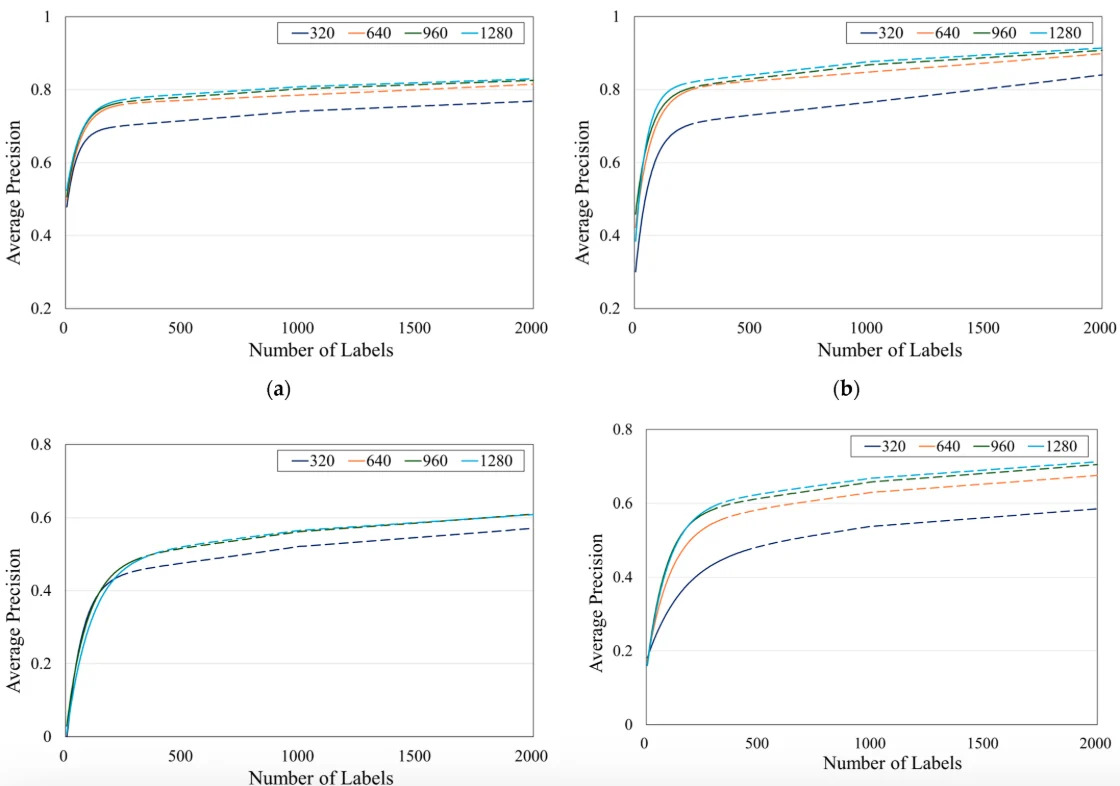
Less than most people assume, when starting from pretrained weights. A few hundred instances per class can give a workable detector on visually distinct classes — well below Ultralytics' guidance of 1,500 images and 10,000 instances per class for best results, so treat it as a starting point and let the validation curve decide. The unit is instances rather than images — one image containing twelve pallets contributes twelve.
What matters more than count is coverage of the conditions you will deploy in. Lighting, camera angle, distance, occlusion, background, and the scale range at which objects appear. A thousand instances all photographed from one position under one lighting setup generalises poorly; two hundred spread across the real range of conditions does much better. This echoes the finding from robot learning that environment diversity beats raw demonstration count.
Class balance is worth attention. A long tail means your rare classes get ignored by a model optimising overall performance, so check per-class metrics rather than the aggregate, and consider whether a rare class genuinely needs detecting or is better handled by a separate stage.
Splitting and evaluating
Split by source rather than at random. If your images come from video, split by clip; if from multiple sites, split by site; if over time, split by date. Random splitting puts near-duplicate frames on both sides and produces validation numbers that do not survive deployment — this is the single most common reason a detector that scored well disappoints in production.
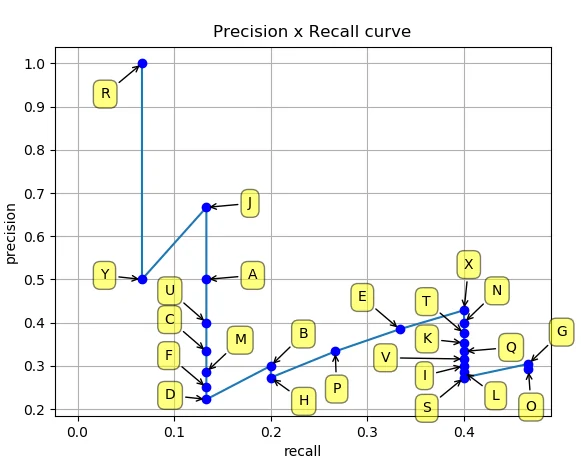
Keep a test set you touch only at the end, separate from the validation set you tune against. And keep a deliberately hard slice: the occluded objects, the poor lighting, the unusual angles. Aggregate mean average precision hides exactly the cases that matter operationally.
The golden eval set post applies directly here — build the evaluation set before you finish collecting training data, because it tells you what training data you actually need.
Questions people ask
Do I need to annotate every object in every image?
Yes, within the classes you are training. A missed object is taught as background, which is worse than not having the image. If exhaustive annotation is impractical, crop to regions you have annotated completely rather than leaving partial labels.
Should I include images with no objects?
Yes — negative examples teach the model what absence looks like and reduce false positives. Write an empty label file for them so you can distinguish a genuine negative from a missing label.
Can I mix public and my own data?
Yes, and it is usually a good idea: public data for general object appearance, yours for your conditions. Reconcile the class definitions carefully — two datasets' ‘truck’ may not mean the same thing — and remember your own data is the part that matches deployment.
What about annotation quality from a labelling service?
Audit a sample yourself before accepting a batch, specifically for missed objects and box tightness. Agree the edge-case rules in writing up front: partially visible objects, objects at the image border, reflections, objects in images on screens. Ambiguity in those rules is where annotation inconsistency comes from.